25 Video Conferencing Usage
A practical course that treats video conferencing not as simple access, but as a core digital communication skill connecting meeting participation, presentations, sharing, remote classes, interviews, webinars, security, accessibility, and troubleshooting.
0. Purpose and ultimate goal
The ultimate goal is to help learners reliably join online meetings, classes, interviews, counseling, and collaboration sessions, properly control voice, video, and materials, follow etiquette and security rules, and troubleshoot equipment and network issues. The course follows a professional training style centered on repeated practice in real meeting rooms, presentation/interview role-play, screen-sharing tasks, meeting minutes, operation manuals, and training outputs.
Referenced professional training patterns
- Korean private digital workplace courses using repeated Zoom, Meet, and Teams practice
- US/Canada digital navigator courses supporting teleconsulting and remote learning
- UK/European vocational remote-work, online-meeting, and webinar-operation project patterns
- Meeting security, online presentation, hybrid meeting, and remote-training product output structure
Beginner 1 Day Video Conferencing Usage Curriculum
A one-day practical course covering access, microphone/camera settings, chat, screen sharing, meeting etiquette, and security rules in Zoom, Google Meet, and Microsoft Teams.



| Category | Details | Practice methods |
|---|---|---|
| Objective 1 | Objective 1: video conference of basic and understanding. |
Hands-on practice using realistic video-conferencing scenarios with instructor demonstration and learner review.
Learners complete a practical video-conferencing task, submit an output, and revise it through feedback.
|
| Objective 2 | Objective 2: · · · sharing safely. |
Hands-on practice using realistic video-conferencing scenarios with instructor demonstration and learner review.
Learners complete a practical video-conferencing task, submit an output, and revise it through feedback.
|
| Objective 3 | Objective 3: online of etiquette and basic security. |
Hands-on practice using realistic video-conferencing scenarios with instructor demonstration and learner review.
Learners complete a practical video-conferencing task, submit an output, and revise it through feedback.
|
| Platforms | Zoom, Google Meet, Microsoft Teams, Webex, KakaoTalk FaceTalk, Chrome, Microsoft Edge, Gmail, Google Calendar, Outlook Calendar, Canva, Google Slides |
|---|---|
| Instructor profile | Instructor should have video conferencing, online meeting facilitation, remote training, meeting security, and learner-support experience. |
| Target learners | General citizens, older adults, people with disabilities, digitally vulnerable groups, online class, of, |
| Duration | 4-6 hours |
| Materials | Or,, internet, or,, of of, activity, of etiquette |
| Deliverables | Video conference access ordertable, · table, sharing, online of etiquettetable |
| Assessment | Access understanding 25%, practice 30%, sharing 20%, etiquette · security 15%, participation 10% |
Beginner 3 Days Video Conferencing Usage Curriculum
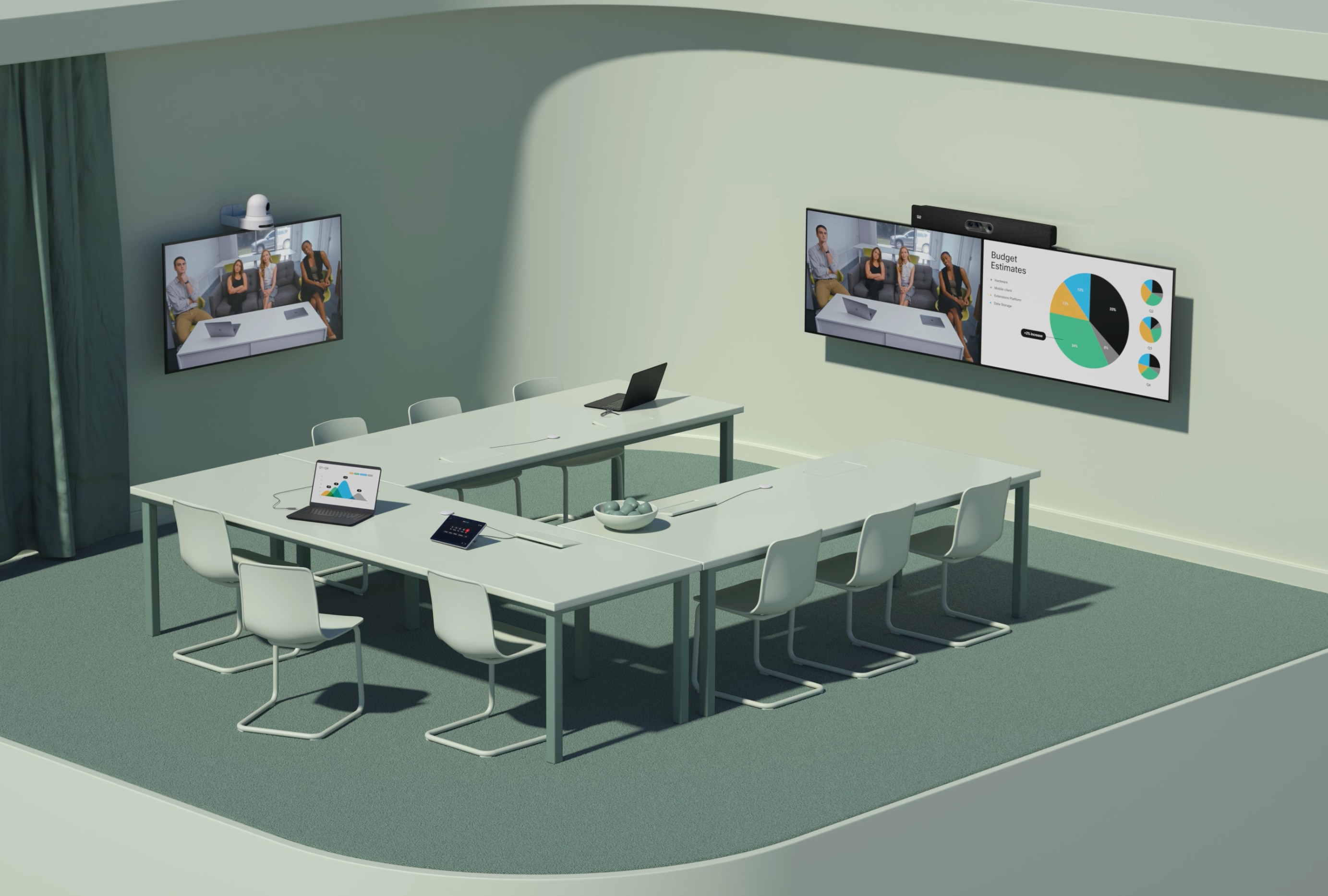
A three-day course for participating in and running video meetings across daily, learning, and work contexts, including invitations, file sharing, presentations, recording, and minutes.



| Category | Details | Practice methods |
|---|---|---|
| Objective 1 | Objective 1: of and schedule management perform. |
Hands-on practice using realistic video-conferencing scenarios with instructor demonstration and learner review.
Learners complete a practical video-conferencing task, submit an output, and revise it through feedback.
|
| Objective 2 | Objective 2: presentation · materialssharing · collaboration use. |
Hands-on practice using realistic video-conferencing scenarios with instructor demonstration and learner review.
Learners complete a practical video-conferencing task, submit an output, and revise it through feedback.
|
| Objective 3 | Objective 3: of and organize. |
Hands-on practice using realistic video-conferencing scenarios with instructor demonstration and learner review.
Learners complete a practical video-conferencing task, submit an output, and revise it through feedback.
|
| Platforms | Zoom, Google Meet, Microsoft Teams, Webex, Google Calendar, Outlook Calendar, Gmail, Outlook, PowerPoint, Google Slides, Google Docs, Microsoft Word, Google Drive, OneDrive |
|---|---|
| Instructor profile | Instructor should have video conferencing, online meeting facilitation, remote training, meeting security, and learner-support experience. |
| Target learners | General citizens, college student,, introductory, online class, instructor ·,, people with disabilities education learners |
| Duration | 12-18 hours |
| Materials | ,, internet,, presentation deck, account, document practice account,, of |
| Deliverables | Video conference, presentation · sharing practicetable, security table,, managementtable |
| Assessment | Schedule 25%, presentation · sharing 25%, collaboration 20%, writing 20%, practicecompletion also 10% |
Beginner 1 Week Video Conferencing Usage Curriculum
A one-week course expanding video conferencing into online presentations, remote classes, team collaboration, interviews, counseling, accessibility, and equipment troubleshooting.




| Category | Details | Practice methods |
|---|---|---|
| Objective 1 | Objective 1: online presentation and to response. |
Hands-on practice using realistic video-conferencing scenarios with instructor demonstration and learner review.
Learners complete a practical video-conferencing task, submit an output, and revise it through feedback.
|
| Objective 2 | Objective 2: video conference problem. |
Hands-on practice using realistic video-conferencing scenarios with instructor demonstration and learner review.
Learners complete a practical video-conferencing task, submit an output, and revise it through feedback.
|
| Objective 3 | Objective 3: and participation improve of operation. |
Hands-on practice using realistic video-conferencing scenarios with instructor demonstration and learner review.
Learners complete a practical video-conferencing task, submit an output, and revise it through feedback.
|
| Platforms | Zoom, Google Meet, Microsoft Teams, Webex, Google Calendar, Outlook Calendar, PowerPoint, Google Slides, Canva, Google Docs, Notion, OBS Studio basic, Windows Sound Settings, macOS System Settings |
|---|---|
| Instructor profile | Instructor should have video conferencing, online meeting facilitation, remote training, meeting security, and learner-support experience. |
| Target learners | , college student,, introductory, online presentation ·, instructor ·, people with disabilities, |
| Duration | 20-30 hours |
| Materials | ,, internet,,, presentation deck, problem, presentationassessment rubric, |
| Deliverables | Online presentation table, feedbacktable, video conference problem, operation, |
| Assessment | Presentation · perform 25%, problem 25%, design 20%, creation 20%, presentation · feedback 10% |
Intermediate 4 Weeks Video Conferencing Usage Curriculum
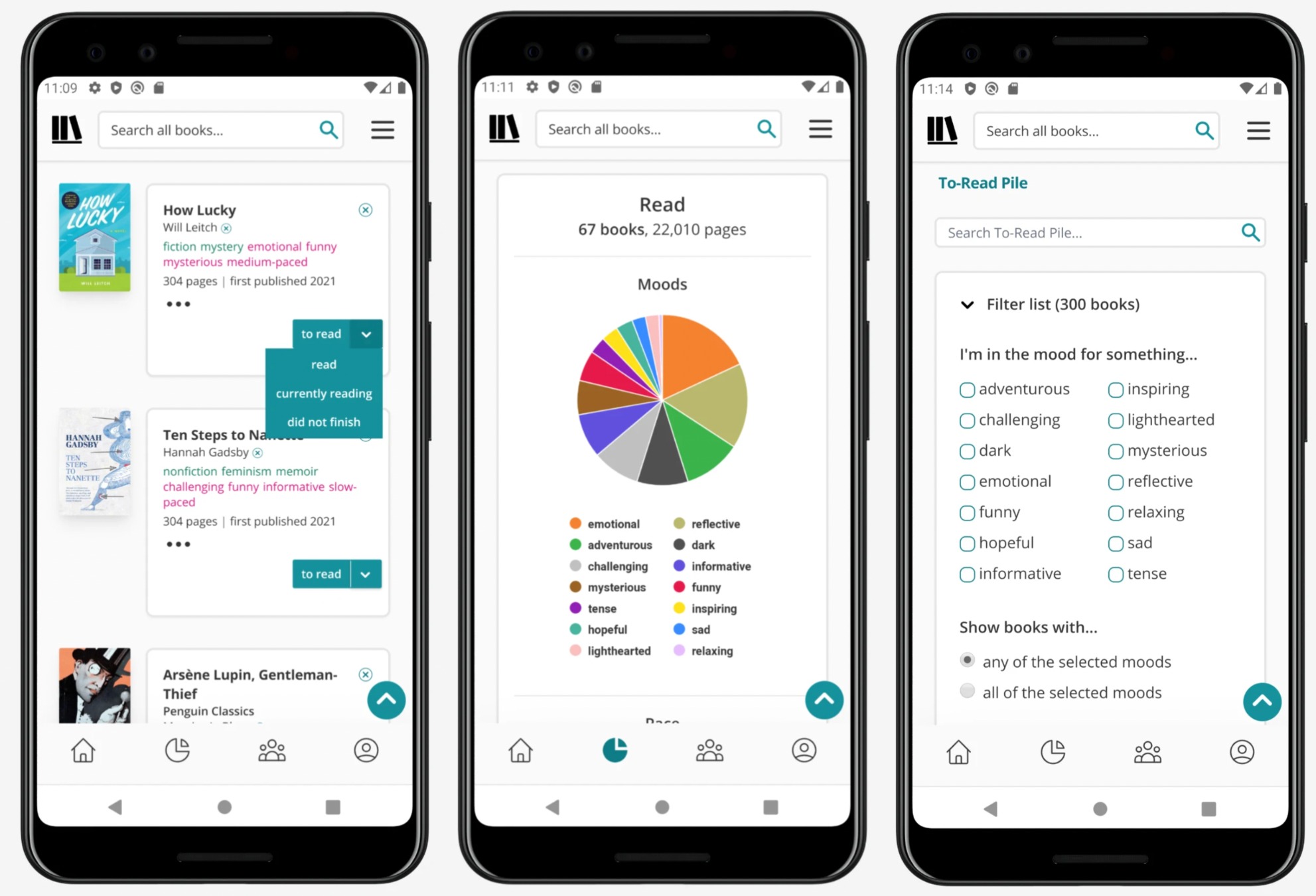
A practical four-week course expanding video conferencing into organizational meetings, online classes, webinars, breakout rooms, security policies, and meeting productivity management.

| Category | Details | Practice methods |
|---|---|---|
| Objective 1 | Objective 1: organization type video conference operation system design. |
Hands-on practice using realistic video-conferencing scenarios with instructor demonstration and learner review.
Learners complete a practical video-conferencing task, submit an output, and revise it through feedback.
|
| Objective 2 | Objective 2: online education and operation use. |
Hands-on practice using realistic video-conferencing scenarios with instructor demonstration and learner review.
Learners complete a practical video-conferencing task, submit an output, and revise it through feedback.
|
| Objective 3 | Objective 3: of productivity and securitymaterials creation. |
Hands-on practice using realistic video-conferencing scenarios with instructor demonstration and learner review.
Learners complete a practical video-conferencing task, submit an output, and revise it through feedback.
|
| Platforms | Zoom, Microsoft Teams, Google Meet, Webex, Google Calendar, Outlook Calendar, Google Forms, Microsoft Forms, Mentimeter, Slido, Notion, Google Docs, OneDrive, Google Drive, Canva, PowerPoint |
|---|---|
| Instructor profile | Instructor should have video conferencing, online meeting facilitation, remote training, meeting security, and learner-support experience. |
| Target learners | Education target, organization practitioner, instructor ·, HR · education, team, education, online operation |
| Duration | 40-60 hours |
| Materials | , internet, / video conference account, scenario, tools account, operation, security, educationmaterials |
| Deliverables | Organization type video conference operationtable, online education operation, ·, of productivity managementtable, security manual |
| Assessment | Operation system design 25%, use 25%, · creation 20%, securitymanual 20%, team presentation 10% |
Advanced 8 Weeks Video Conferencing Usage Curriculum
An advanced project course connecting video conferencing to remote-training consulting, hybrid-meeting design, online event operation, accessibility improvement, training products, and portfolios.




| Category | Details | Practice methods |
|---|---|---|
| Objective 1 | Objective 1: video conference operation project perform. |
Hands-on practice using realistic video-conferencing scenarios with instructor demonstration and learner review.
Learners complete a practical video-conferencing task, submit an output, and revise it through feedback.
|
| Objective 2 | Objective 2: target by video conference education and operationmanual design. |
Hands-on practice using realistic video-conferencing scenarios with instructor demonstration and learner review.
Learners complete a practical video-conferencing task, submit an output, and revise it through feedback.
|
| Objective 3 | Objective 3: video conference education portfolio and guide platform. |
Hands-on practice using realistic video-conferencing scenarios with instructor demonstration and learner review.
Learners complete a practical video-conferencing task, submit an output, and revise it through feedback.
|
| Platforms | Zoom, Microsoft Teams, Google Meet, Webex, Notion, Google Sites, Airtable, Canva, PowerPoint, Google Slides, Google Forms, Microsoft Forms, Mentimeter, Slido, OBS Studio, Google Drive, OneDrive |
|---|---|
| Instructor profile | Instructor should have video conferencing, online meeting facilitation, remote training, meeting security, and learner-support experience. |
| Target learners | Digital Instructor course, education operation, HR · education, education, organization practitioner, education, online operation |
| Duration | 80-120 hours |
| Materials | ,, internet,,, organization scenario, video conference diagnostic sheet, education design, guide, assessment rubric |
| Deliverables | Video conference operation report, target by curriculum, practice type operationmanual, video conference guide platform, educationmaterials portfolio |
| Assessment | Operation 25%, education design 25%, operationmanual 20%, guide platform 20%, presentation 10% |